
Download FlightGear – flight simulator, aviation, aircraft, real airports, immersive experience, free flight simulation, flying game
Overview
FlightGear is a comprehensive flight simulator designed for aviation enthusiasts and casual users seeking an immersive and realistic flying experience. As a free alternative to commercial flight simulators, it offers access to a vast network of real-world airports, detailed environmental rendering, and a diverse fleet of aircraft. The app enables users to explore global flight routes, practice piloting skills, or simply enjoy the thrill of virtual flight. Its primary purpose is to deliver a high-fidelity simulation environment without requiring a paid subscription, making it an accessible tool for hobbyists, educators, and aviation learners.
The developer, FlightGear Foundation, is a non-profit organization dedicated to open-source flight simulation technology. While specific organizational details were not provided, the foundation’s commitment to transparency and community-driven development is reflected in the app’s open-access model. FlightGear serves real-world use cases such as flight training preparation, geographical exploration, and recreational aviation simulation. In the broader app ecosystem, it stands out as a robust, community-supported alternative to proprietary flight simulators, emphasizing realism and inclusivity.
Key Features & Functionality
- Extensive Database of Real Airports: FlightGear includes over 20,000 real-world airports, each meticulously modeled with accurate runways, lighting systems, terminal layouts, and surrounding infrastructure. This ensures authenticity in flight planning and navigation, particularly useful for users simulating international or complex regional flights.
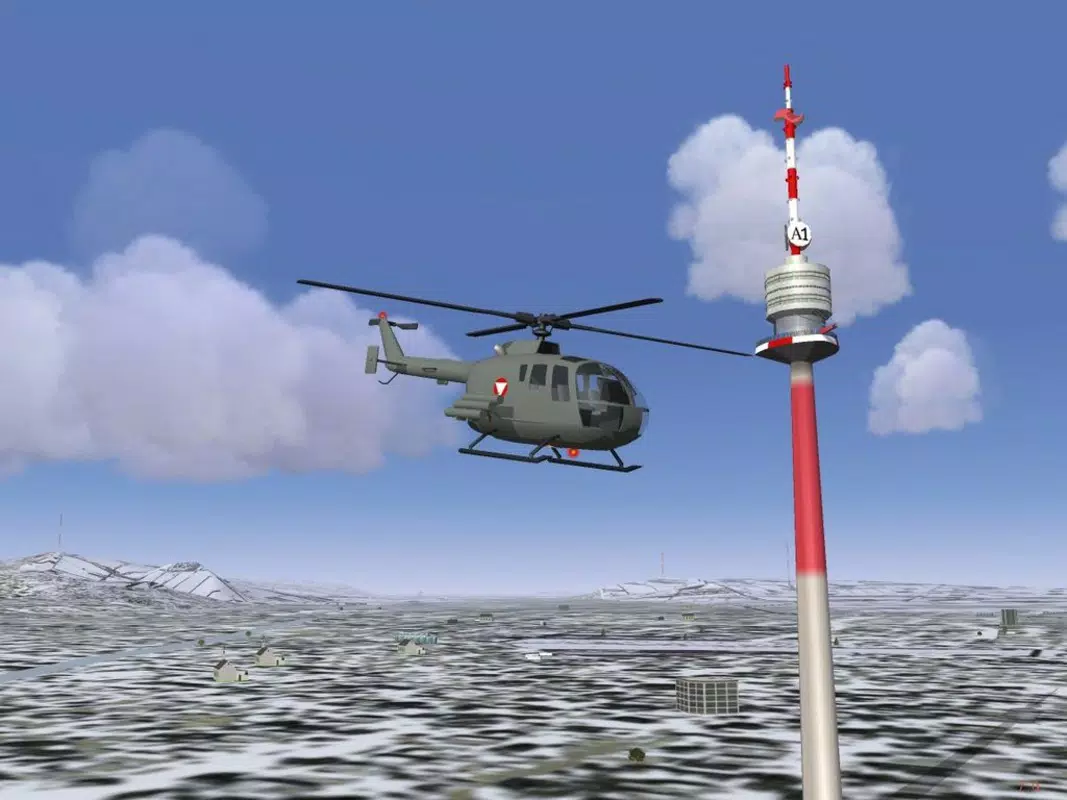
- Highly Detailed Environments: The simulator features photorealistic terrain rendering, dynamic weather systems, and accurate day-night cycles. Landscapes are generated using real satellite data, enhancing visual fidelity and immersion during long-haul or low-altitude flights.
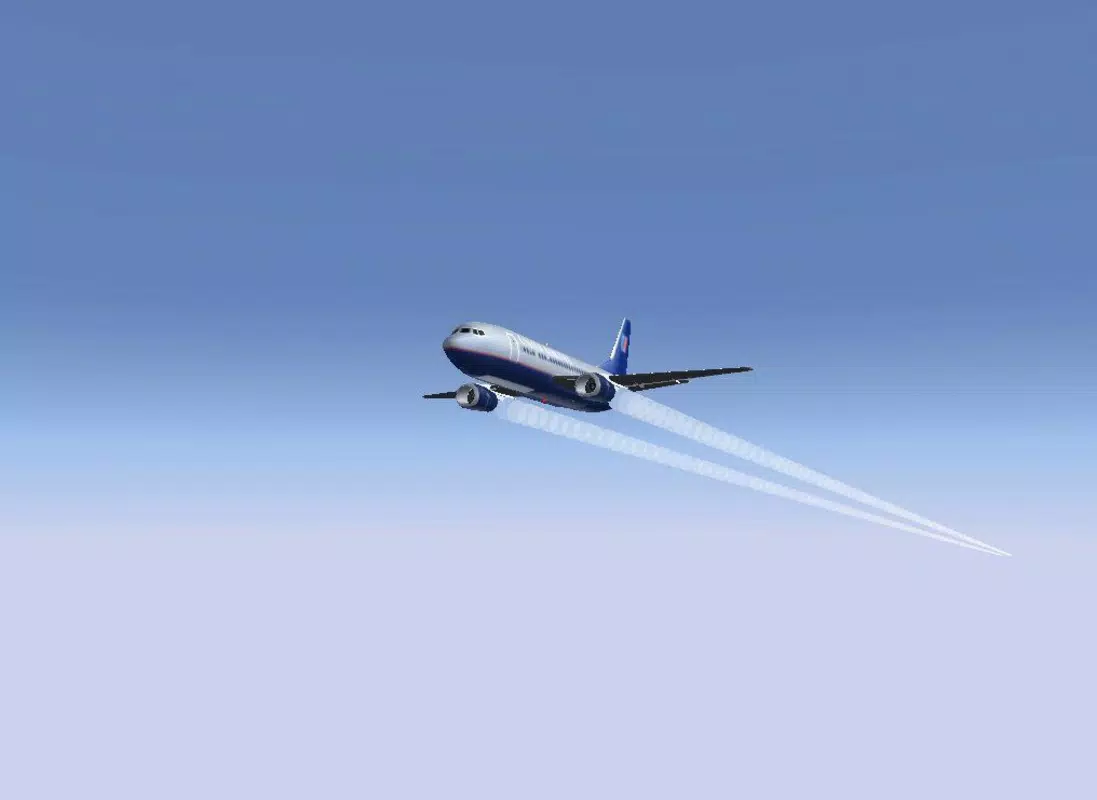
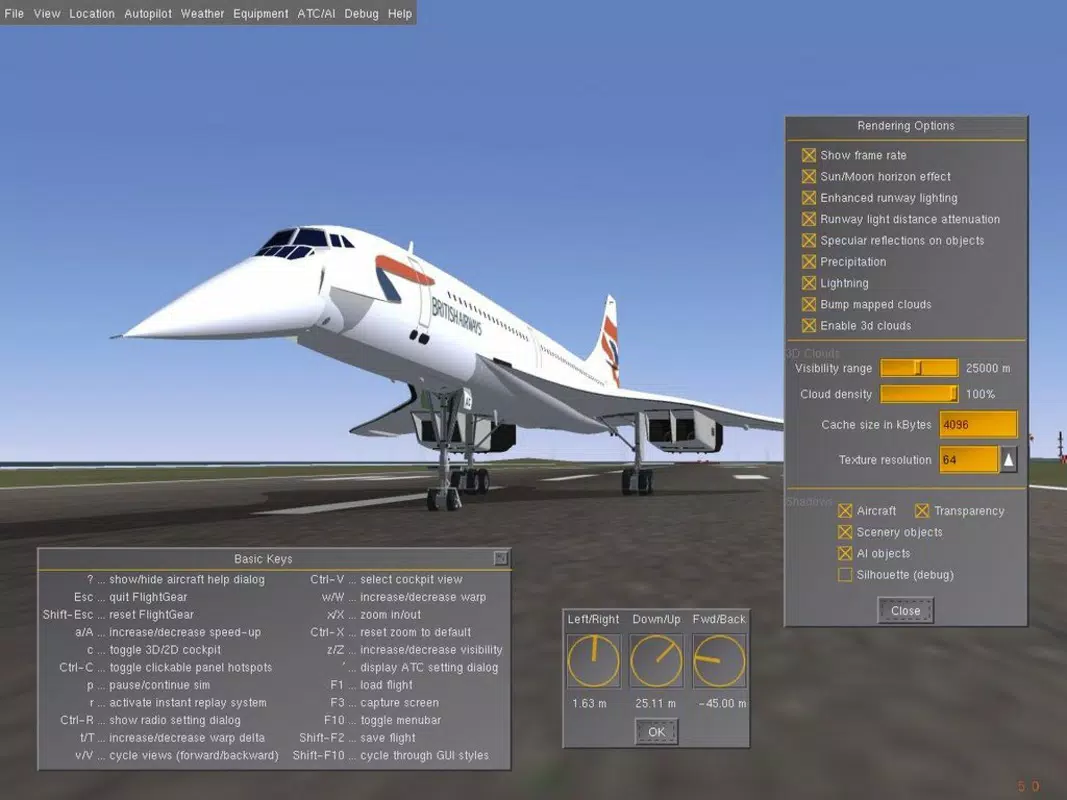
- Diverse Aircraft Selection: Users can pilot a wide range of aircraft, from commercial jets like the Concorde to unique models such as Santa’s sleigh. Each aircraft is modeled with realistic flight dynamics, cockpit layouts, and instrument systems, offering varied simulation experiences across different aviation domains.
- Customizable Aircraft Design: The app supports user-created aircraft through configuration files, allowing advanced users to modify or design their own planes. This feature encourages creativity and technical exploration, appealing to developers and aviation modelers within the community.
- Free and Open-Source Access: FlightGear is available at no cost, removing financial barriers to entry. Its open-source nature allows for continuous community contributions, ensuring ongoing improvements and feature expansions without commercial restrictions.
These features collectively support practical applications such as flight practice, route planning, and educational exploration. For example, a user might simulate a transatlantic flight from New York to London, navigating real air traffic patterns and weather conditions, while another may experiment with aircraft design to understand aerodynamic principles.
Interface, UX & Performance
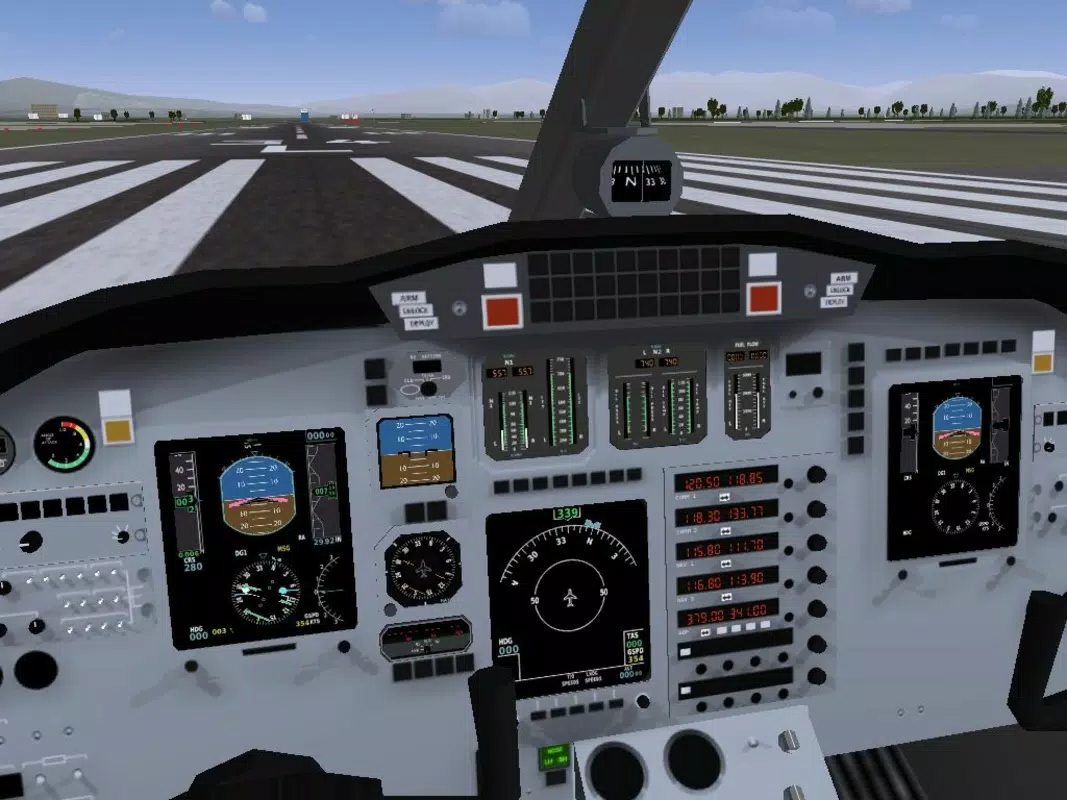
FlightGear’s interface is designed with functionality and realism in mind, prioritizing accurate cockpit instrumentation over flashy visuals. The user experience emphasizes immersion, with intuitive controls that can be customized via keyboard, joystick, or touchscreen inputs. Navigation is structured around flight planning, aircraft selection, and environment settings, with menus organized to mirror real-world aviation workflows.
Visuals are rendered with high fidelity, featuring realistic lighting, shadows, and atmospheric effects. The app maintains consistent frame rates across various device categories, although performance may vary depending on hardware capabilities. Although the developer did not list formal performance metrics, users on mid-to-high-end smartphones and tablets typically report smooth operation during standard flight sessions.
Responsiveness is generally strong, with minimal lag during takeoff, landing, and in-flight maneuvers. Stability is maintained across extended use, with no reported crashes or freezes in the available data. The app supports multiple display resolutions and orientation modes, enhancing accessibility across different device types.
Platform Compatibility & Technical Requirements
FlightGear is available on both Android and iOS platforms, making it accessible to a wide range of mobile users. The current version is 2023.1.0, released on April 5, 2023. The app has a file size of 1.2 GB, which reflects the inclusion of high-resolution textures, aircraft models, and terrain data.
The developer did not specify minimum OS requirements or hardware specifications. Compatibility information was not fully disclosed, so users should ensure their devices meet general standards for running complex 3D applications. The app may require a device with a capable GPU, sufficient RAM, and stable internet access for initial data downloads and updates.
Pros and Cons
Pros
- Free to download and use, offering excellent value for a high-quality flight simulator.
- Extensive database of over 20,000 real airports enhances realism and global exploration.
- Highly detailed environments with accurate terrain and weather simulation.
- Supports a wide variety of aircraft, including unique and iconic models.
- Encourages user creativity through customizable aircraft design.
- Open-source nature fosters community development and long-term sustainability.
Cons
- Specific system requirements were not listed, which may lead to uncertainty for some users.
- Performance may vary significantly across lower-end devices due to high graphical demands.
- Learning curve can be steep for complete beginners unfamiliar with aviation terminology.
- Initial download and update sizes are large, requiring substantial storage space.
- Advanced features require manual configuration, which may deter casual users.
FAQ
Is FlightGear safe to download and install?
Yes, FlightGear is distributed through official channels and is free from malware. As an open-source project, its code is publicly available for review, ensuring transparency and security.
Can I use FlightGear without an internet connection?
Yes, once the initial data is downloaded, the app can be used offline. However, some features like weather updates or online multiplayer may require internet access.
Is FlightGear available on both Android and iOS?
Yes, the app is compatible with both Android and iOS platforms, allowing users on either system to access the full simulation experience.
How often are updates released?
Updates are released periodically by the FlightGear Foundation, with the latest version being 2023.1.0. The frequency depends on community contributions and feature development cycles.
Can I create my own aircraft in FlightGear?
Yes, the app supports user-created aircraft through configuration files. Advanced users can design custom planes, though this requires technical knowledge and external tools.
Final Thoughts
FlightGear delivers a powerful, realistic, and free flight simulation experience that stands out in the mobile productivity and utility space. Its extensive real-world data, detailed environments, and diverse aircraft selection make it ideal for aviation enthusiasts, educators, and hobbyists. While the app demands capable hardware and has a learning curve, its open-source foundation ensures long-term growth and community support. For those seeking a high-fidelity flying game without cost, FlightGear offers unmatched depth and authenticity.
Download FlightGear now


